Customer action detection
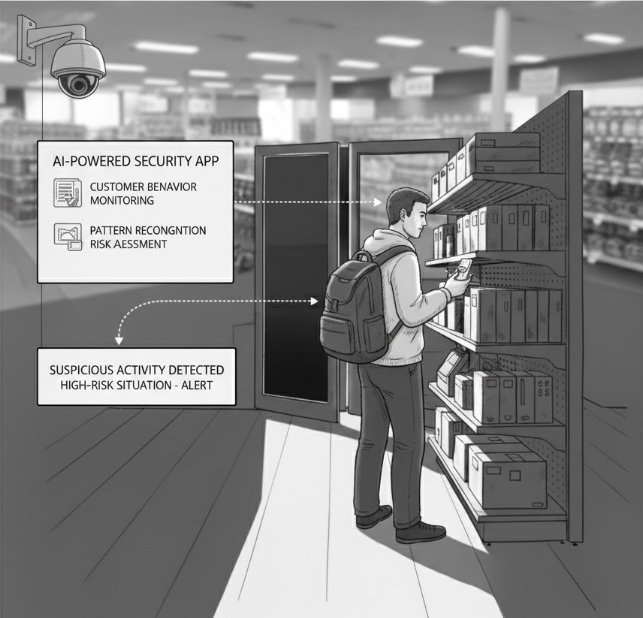
Customer Action Detection monitors and analyzes customer behaviors to identify suspicious activities.
What is Customer Action Detection?
Suspicious Actions Detected:
- Concealment: Hiding merchandise in bags, pockets, or clothing
- Tag removal: Attempting to remove security tags or price labels
- Package tampering: Opening packages to remove contents
- Selection manipulation: Taking multiple items or examining merchandise suspiciously
- Loitering: Spending excessive time in areas without shopping
- Evasive behavior: Avoiding staff, cameras, or security personnel
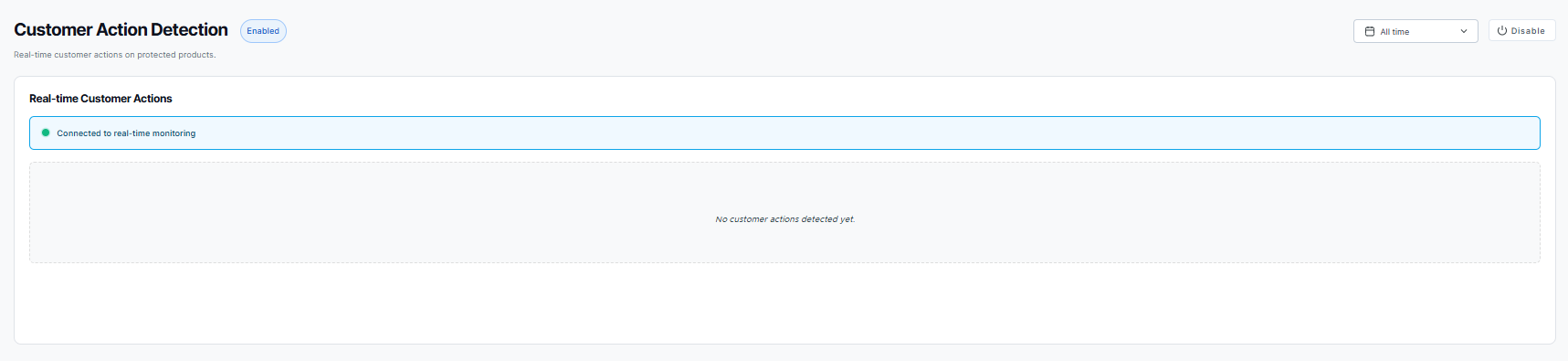
Enabling Customer Action Detection
If not yet activated for your store:
To enable:
- Click the "Enable" button
- The app activates and begins monitoring
- Real-time behavior analysis starts automatically
Customer Action Alerts
When suspicious behavior is detected, an alert is generated:
Alert details include:
- Video clip of the suspicious action
- Type of action detected (concealment, tag removal, etc.)
- Location in store where action occurred
- Timestamp of the incident
- Confidence score of the detection
- Customer tracking across multiple cameras (if available)
Responding to alerts:
- Review the video evidence
- Assess the severity and context
- Dispatch staff for customer service/observation
- Continue monitoring if customer remains in store
- Escalate to case if theft is confirmed
Detection Categories
Concealment Detection Identifies when customers hide merchandise:
- Placing items in personal bags
- Hiding items under clothing
- Concealing small items in pockets
- Layering unpaid clothing over worn clothing
Tag Removal Detection Catches attempts to remove security measures:
- Removing security tags
- Peeling off price labels
- Tampering with packaging
- Disabling RFID tags
Package Tampering Monitors for product manipulation:
- Opening sealed packages
- Removing items from boxes
- Repackaging items
- Swapping contents between packages
Behavioral Indicators Recognizes suspicious patterns:
- Extended loitering without shopping
- Repeated visits to same area
- Surveillance awareness (watching cameras/staff)
- Coordinated group behavior
Configuration
Detection Settings:
Action Types Enable or disable specific detection categories:
- Concealment detection
- Tag removal detection
- Package tampering detection
- Behavioral analysis
- Loitering detection
Sensitivity Levels Adjust detection sensitivity for each action type:
- High: More detections, may include false positives
- Medium: Balanced detection
- Low: Only high-confidence detections
Zone Configuration Define monitoring zones in your store:
- High-risk departments (electronics, cosmetics, etc.)
- Blind spots requiring extra attention
- Exclusion zones (fitting rooms, restrooms)
- Exit monitoring areas
Alert Thresholds Set when alerts are generated:
- Confidence score requirements
- Multiple action requirements
- Time-based thresholds
- Customer tracking duration
Disabling the App
To disable Customer Action Detection:
- Click "Disable"
- Confirm the action
- Behavior monitoring stops
- Historical alerts remain accessible
Re-enable anytime to resume customer behavior monitoring.